Consistency is the secret sauce of social media success. But for most small business owners and creators, "being consistent" feels like a full-time job.
You wake up, realize you haven't posted in three days, and scramble to find a photo and write a caption. This "post-on-the-fly" approach is stressful and rarely leads to growth. The solution? A social media content calendar.
In this guide, we’ll show you how to build a professional content calendar in just 10 minutes, so you can stop stressing and start growing.
What is a Social Media Content Calendar?
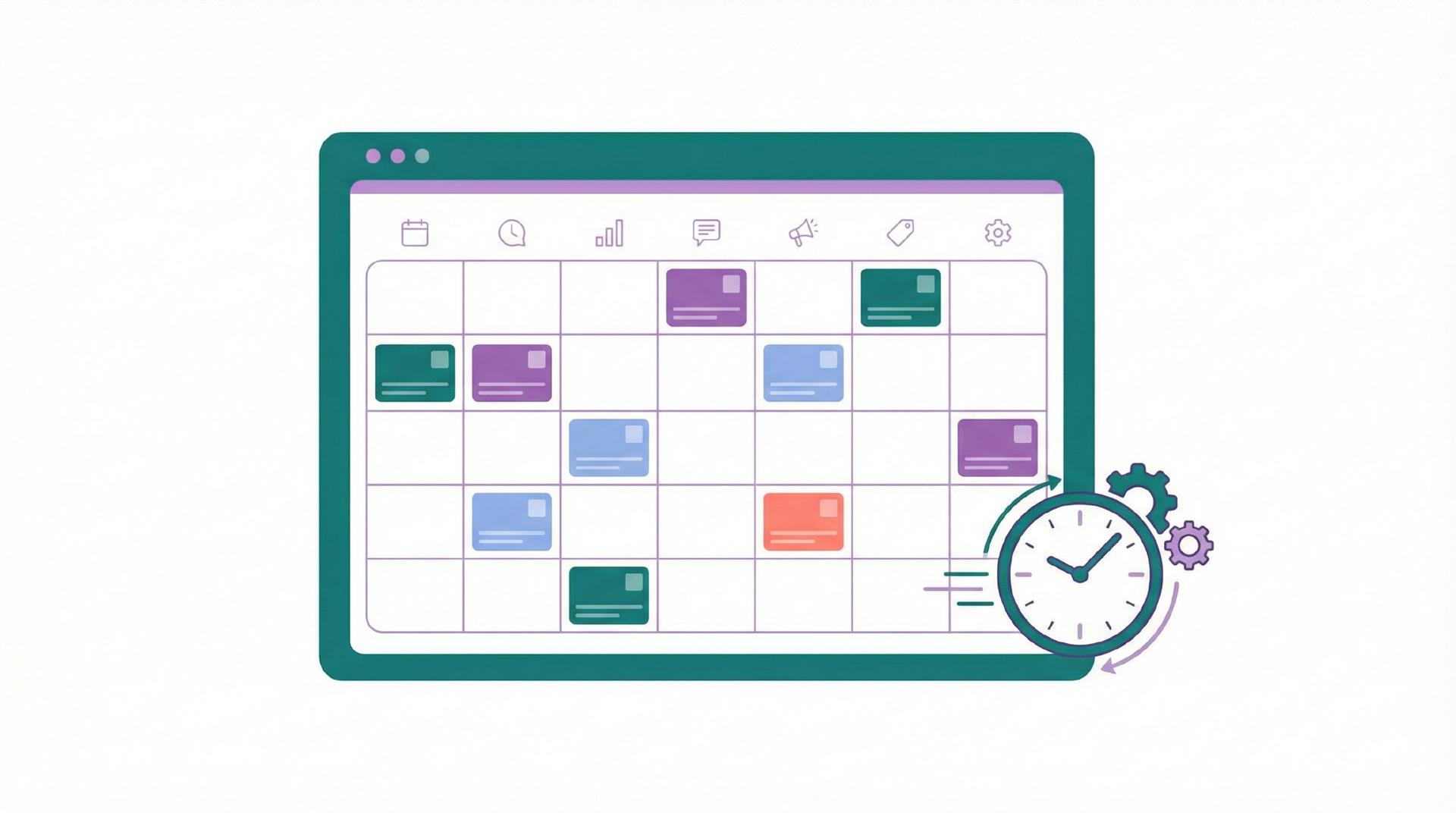
A social media content calendar is a strategic schedule of what you’re going to post, where you’re going to post it, and when it will go live. It transforms your social media from a daily chore into a streamlined system.
Instead of deciding what to post every morning, you decide once a week (or once a month) and let your system handle the rest.
The 10-Minute Content Calendar Framework
Follow these steps to build your calendar fast.
Step 1: Choose Your Pillars (2 Minutes)
Don't reinvent the wheel every time. Pick 3–5 "content pillars" — topics you'll talk about consistently. For a fitness coach, these might be: Workouts, Nutrition Tips, Client Success, and Personal Motivation. Having pillars makes brainstorming 10x faster.
Step 2: Map Your Frequency (1 Minute)
Decide how often you'll post on each platform. For example:
- Instagram: 3 Reels per week
- LinkedIn: 2 Thought-leadership posts per week
- Facebook: 3 Updates per week
Bibby supports all major channels including TikTok, Pinterest, and Google My Business, so you can map your entire presence in one place.
Step 3: Fill the Slots (4 Minutes)
Drop your pillars into your calendar slots. Monday is a Workout tip, Wednesday is a Client Success story, Friday is Motivation. You don't need the full captions yet — just the topics.
Step 4: Automate the Creation (3 Minutes)
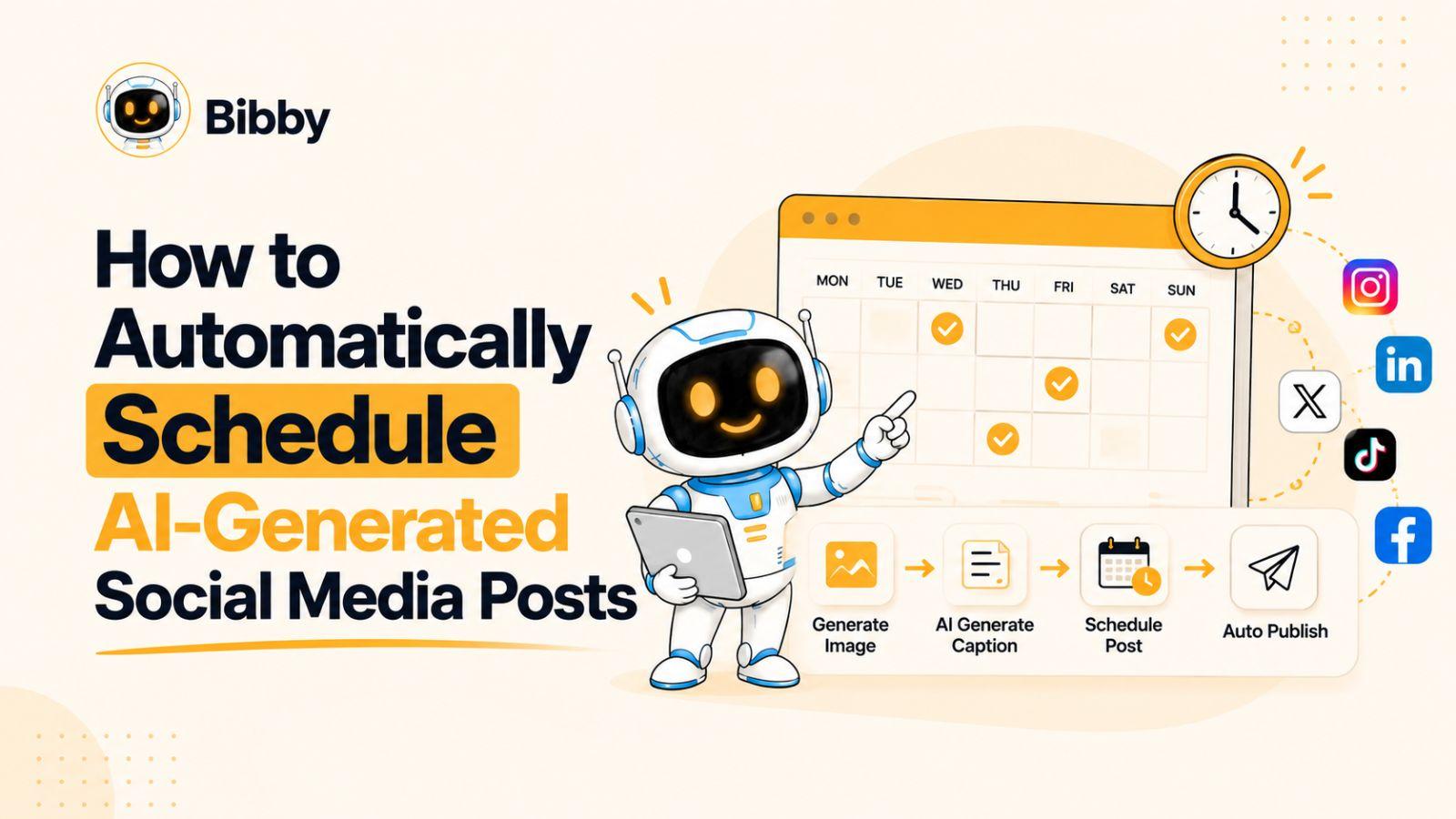
This is where most people get stuck. Writing 10+ captions takes hours — unless you use AI. With Bibby’s AI Auto Create, you can input your topics and let the AI generate high-quality, on-brand posts for you instantly.
How Bibby Makes Your Calendar Effortless
A social media content calendar is only useful if you actually follow it. Bibby is the "AI That Posts So You Don't Have To," taking your calendar from a plan to a reality automatically.
- Auto-Schedule & Post: Once your content is ready, Bibby handles the publishing across all platforms at the best times for engagement.
- Seamless Channel Sync: Create once, post everywhere. Bibby ensures your calendar stays synced across Facebook, Instagram, LinkedIn, and more.
- Growth Insights: See which parts of your calendar are performing best so you can optimize for next week.
Join over 270 small businesses using Bibby to stay consistent. Check out our pricing plans (including a free tier!) or explore our free tools to get started today.
Conclusion
You don't need hours to manage your social media; you just need a system.
By spending 10 minutes setting up a social media content calendar and using an automation tool like Bibby, you can maintain a professional online presence while focusing on your actual business. Ready to automate? See all features here.