
If you've ever sat down at your desk, opened Instagram, and stared at a blank screen wondering what to post, you're not alone. For most small business owners and creators, the "daily scramble" of social media is the biggest drain on their productivity.
The problem isn't a lack of ideas; it's a lack of a system. When you try to create content every day, you're constantly switching between "doing" your work and "marketing" your work. This context-switching kills your focus and leads to burnout.
But what if you could create a month of social media content in just one afternoon?
In this guide, we’ll show you the exact process for content batching for small business using AI and smart planning techniques. You’ll learn how to stay consistent, professional, and stress-free on social media.
Why Content Batching is a Game-Changer
Content batching is the practice of doing all your content-related tasks at once. Instead of taking one photo, writing one caption, and posting it every day, you:
- Brainstorm all your ideas for the month.
- Take all your photos and videos in one session.
- Write all your captions in one sitting.
- Schedule all your posts in one go.
By staying in "creation mode," you're much more efficient. You can produce higher-quality content in less time. This is the secret to social media content planning that actually works.
Step 1: Brainstorm Your Content Pillars
Before you start creating, you need a plan. Most businesses should have 3-5 "content pillars"—topics you talk about consistently. For example:
- Educational: Tips, how-tos, and industry insights.
- Promotional: New products, services, and special offers.
- Behind-the-Scenes: Your team, your process, and your workspace.
- Social Proof: Customer reviews, testimonials, and case studies.
- Personal/Brand: Your story, your values, and why you do what you do.
By having these pillars, you never have to wonder "what should I post?" You just need to fill in the blanks for each category.
Step 2: The "One-Hour" Content Shoot
You don't need a professional studio. Set aside one hour on a Tuesday morning (when the light is good) to capture all your visuals for the month.
- Take 10-15 photos of your products, your space, or yourself.
- Film 4-5 quick video clips (Reels/TikToks) of your process.
- Snap a few "candid" shots of your team in action.
By the end of the hour, you'll have a library of assets that you can use for the next 30 days.
Step 3: Let AI Write Your Captions in Minutes
Writing 20-30 captions is usually the most daunting part of social media content planning. This is where an AI social media tool like Bibby becomes your best friend.
Instead of struggling to find the right words, you can give Bibby a few keywords about each post, and it will generate several caption options in different tones. You can choose the one that fits your brand best and move on to the next one.
Bibby's AI understands the nuances of different platforms, so it can automatically adjust your caption for Instagram (more emojis and hashtags) versus LinkedIn (more professional and structured).
Step 4: Automate Your Posting Schedule
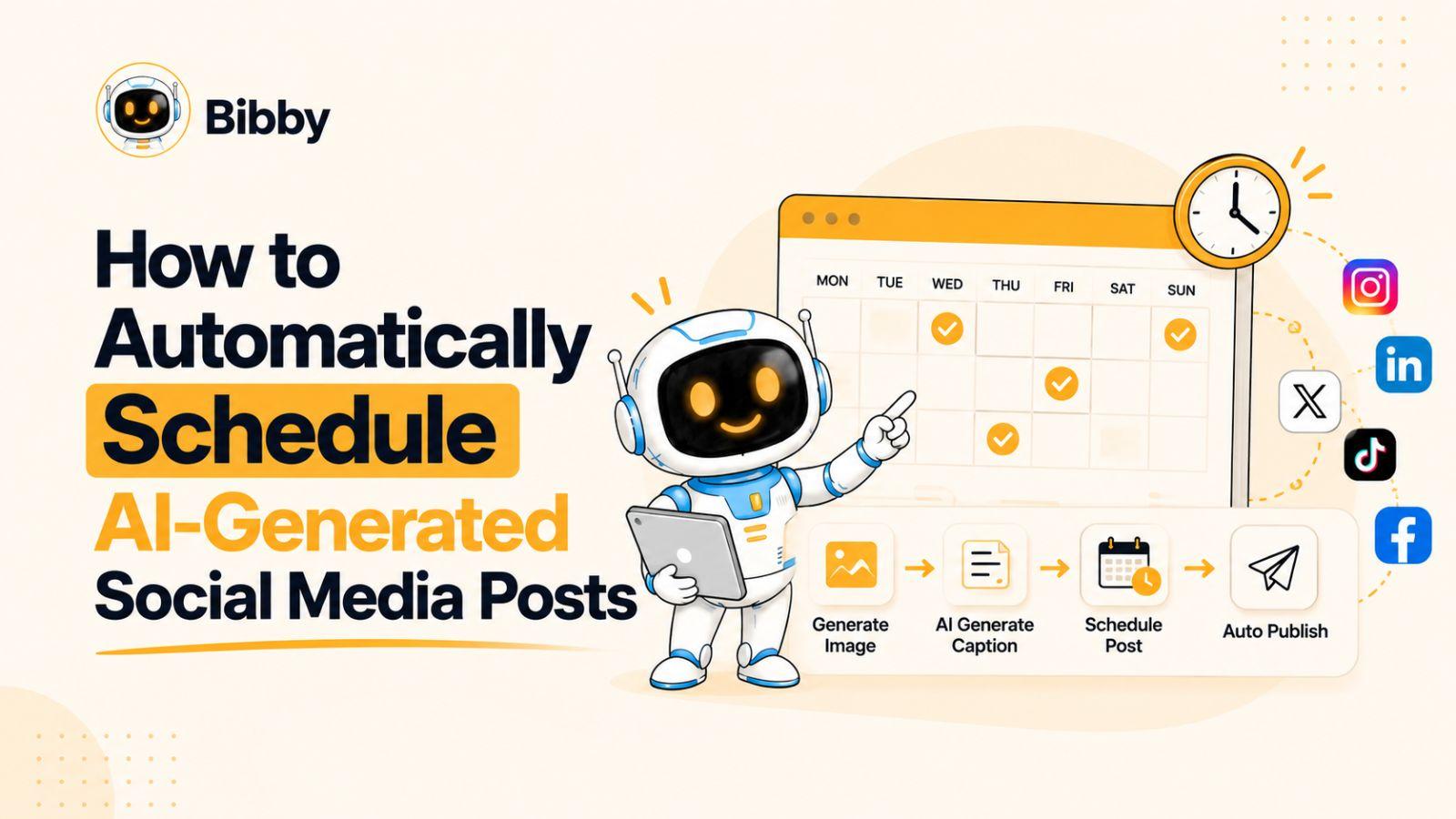
Once you've created your content, don't manually post it every day. Use a social media calendar automation tool to plan out your entire month in advance.
When you automate your social media, your posts go live even when you're busy with a client or taking a well-deserved break. This consistency is what builds trust with your audience and tells the algorithms that your account is active.
Step 5: Repurpose Your Best Content
You don't always need to create something new. Look at your top-performing posts from six months ago. Can you update the caption and share it again? Can you turn a blog post into a series of Instagram tips?
Repurposing content is one of the smartest ways to create a month of social media content while still providing massive value to your followers.
Why Bibby is the Best Choice for Busy Creators
Bibby was built specifically for entrepreneurs who need to stay visible without being glued to their phones. With Bibby, you can:
- Connect all your channels: Post to Instagram, Facebook, and TikTok simultaneously.
- AI-Generated Content: Let Bibby create professional images and captions for you.
- One-Click Scheduling: Set your entire month's content in minutes.
Ready to reclaim your time and grow your brand?
Stop letting social media drain your energy. Try Bibby for free today and see how easy it is to stay consistent on autopilot.