If you run a small business, you already know the drill. You wake up on a Tuesday, realize you haven't posted on Instagram in two weeks, panic, throw together a mediocre photo with a rushed caption, and promise yourself you'll "be more consistent next week."
Next week comes, and the cycle repeats.
The problem isn't that you don't know social media is important. The problem is that you are running a business. You are dealing with inventory, clients, taxes, and putting out fires. Social media always falls to the bottom of the list because it feels like a chore that never ends.
For years, the advice was to "batch create" your content on Sundays and use a scheduling tool. But let's be honest: spending your only day off writing captions and messing around in Canva isn't a sustainable strategy. It's a recipe for burnout.
If you want to stay consistent without losing your mind, you need to learn how to actually automate social media for your small business. And in 2026, automation means a lot more than just a digital calendar.
The Old Way vs. The New Way of Social Media Automation
When most people think of social media automation, they think of tools like Hootsuite or Buffer. These tools were revolutionary ten years ago. They allowed you to load up a month's worth of posts and let the software publish them while you slept.
But there's a massive flaw in that system for solopreneurs and small teams: You still have to create the content.
A scheduling tool is essentially an empty bucket. It's incredibly useful for carrying water, but you still have to go to the well, draw the water, and fill the bucket yourself. The bottleneck for small businesses isn't clicking "publish" at 2:00 PM on a Thursday. The bottleneck is staring at a blank screen trying to figure out what to say.
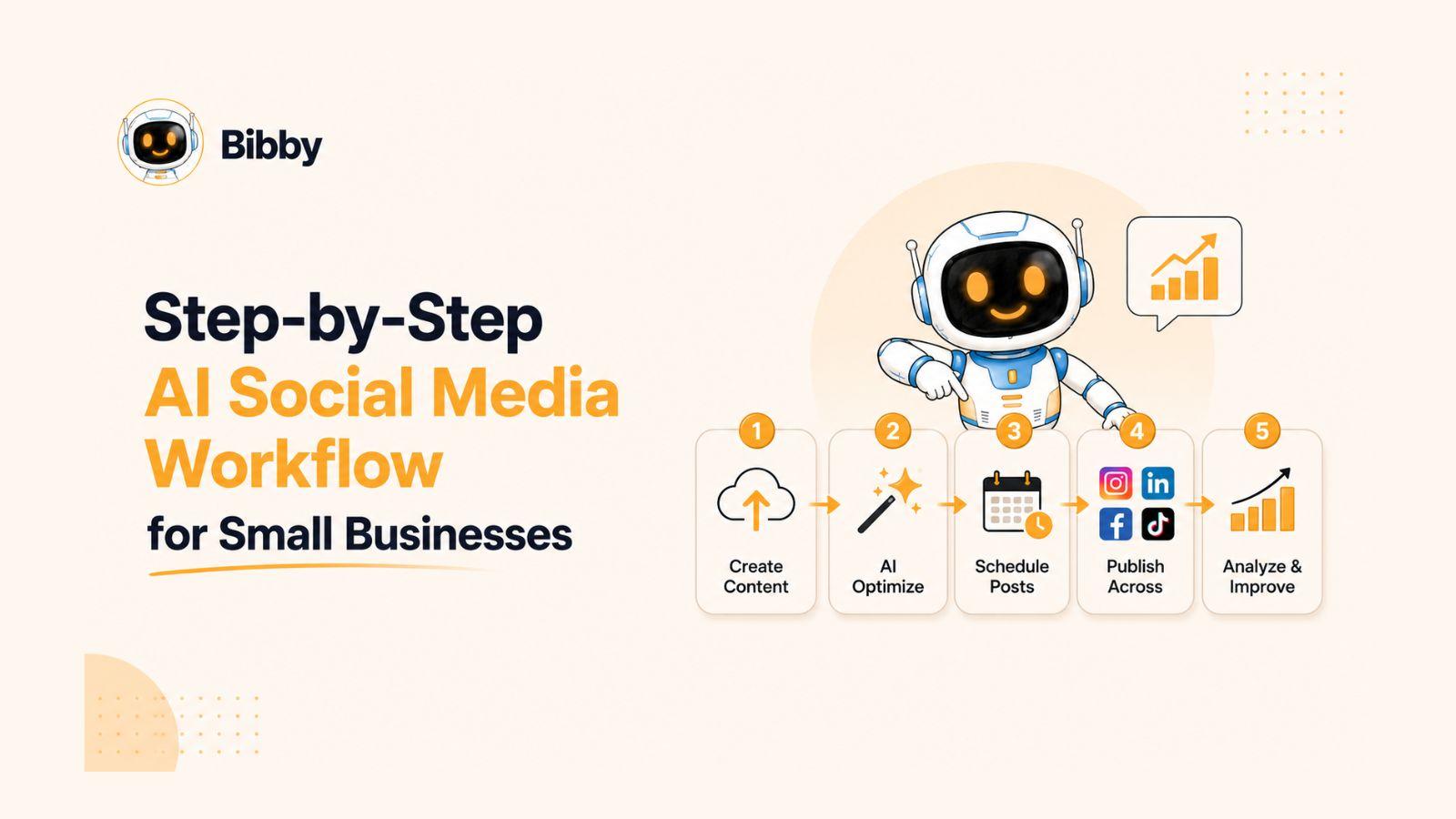
The new way of automating social media tackles the creation phase, not just the distribution phase. It uses AI to generate the first draft of your captions, create the visuals, and then schedule them at the optimal times. It shifts your role from "content creator" to "editor-in-chief."
Step 1: Define Your Content Pillars (Once)
Before you can automate anything, you need a framework. If you try to automate chaos, you just get faster chaos.
Content pillars are the 3 to 5 core topics your business talks about. Having these defined means you (or your AI tools) never have to guess what to post about. For example, if you own a local coffee shop, your pillars might be:
- Behind the Scenes: Roasting the beans, opening the shop, introducing the baristas.
- Education: The difference between a flat white and a latte, how to brew better coffee at home.
- Community: Highlighting regular customers, local events you're sponsoring.
- Promotions: New seasonal drinks, merchandise drops, loyalty program reminders.
Write your pillars down. This is the foundation of your automated system.
Step 2: Automate the Heavy Lifting (Creation)
This is where the magic happens. Instead of spending hours writing captions and designing graphics, you need a tool that does the heavy lifting for you.
This is exactly why we built Bibby. We saw too many small business owners paying $30 a month for a blank calendar and still struggling to post.
With a tool like Bibby, you connect your Facebook, Instagram, and LinkedIn accounts. You tell the AI what your brand voice sounds like (e.g., "casual, friendly, and slightly sarcastic" or "professional, authoritative, and educational"). You input your content pillars.
Then, the AI generates the actual posts. It writes the captions, includes the relevant hashtags, and even generates stunning, on-brand images if you don't have your own photos to use. It's like having a junior social media manager on staff, but for a fraction of the cost.
Step 3: The 20-Minute Weekly Review
Automation does not mean abdication. You should never let AI run completely unchecked on your social media accounts. The goal is to remove the friction of the blank page, not to sound like a robot.
Your new workflow should look like this:
Every Monday morning, grab a cup of coffee and spend 20 minutes reviewing the queue of posts that your automation tool generated for the week. Read through the captions. Tweak a sentence here or there to make it sound exactly like you. Swap out an AI-generated image for a real photo you took on your phone over the weekend if you have one.
Once you're happy with the week's content, hit approve. You are now done with social media for the week.
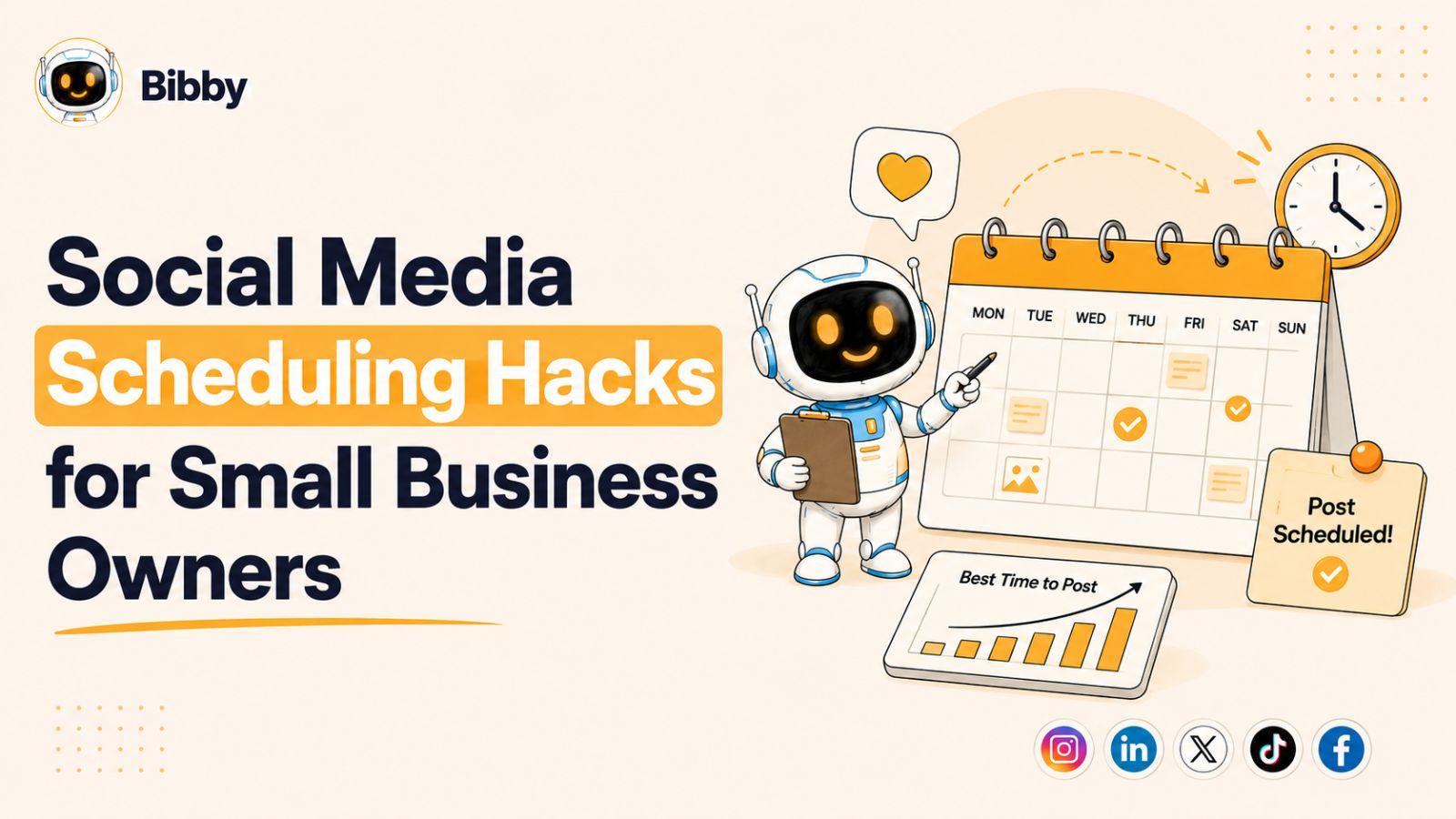
Step 4: Let the Algorithm Handle the Timing
Stop Googling "best time to post on Instagram." The answer is different for every single account because your audience is unique.
A smart automation system will analyze when your specific followers are online and most active. It will automatically schedule your approved posts for those peak times. You don't have to think about it. You just review the content, and the system handles the logistics of getting it in front of the most eyeballs possible.
Step 5: Engage Manually (The Fun Part)
When you automate the baseline content—the educational posts, the behind-the-scenes, the standard promotions—you free up your time and mental energy for the part of social media that actually matters: engaging with your community.
Because you aren't stressed about what to post today, you can actually enjoy logging into the app. You can reply to comments, answer DMs, and leave genuine comments on other local businesses' posts. You can post a spontaneous, unpolished Story when something funny happens in the shop.
Automation handles the consistency. You handle the connection.
Stop Paying for Blank Calendars
If you are a solopreneur or a small team, your time is your most valuable asset. Spending hours every week wrestling with social media content is not the highest and best use of that time.
You don't need to hire an expensive agency, and you don't need to burn your weekends batching content. You just need to upgrade your definition of automation.
Move past the blank calendars. Find a system that generates the first draft, handles the design, and optimizes the scheduling. Become the editor-in-chief of your brand, and watch your consistency—and your audience—grow.
Ready to put your social media on autopilot? Start your 7-day free trial of Bibby today and see how much time you can save when AI handles the heavy lifting.