
In today's digital landscape, social media is one of the most powerful channels available to small businesses. It builds brand awareness, fosters customer loyalty, drives website traffic, and — when done right — generates real revenue.
But here's the challenge: managing multiple social platforms consistently, while also running a business, is genuinely hard. That's why choosing the right social media management tool for small businesses is one of the highest-leverage decisions you can make for your marketing strategy.
This guide covers everything you need to know — from what to look for in a social media management platform, to a detailed comparison of the top tools on the market, to a practical framework for getting started.
Whether you're a solo entrepreneur, a creator, or a small team, this resource will help you find the right fit.
Why Small Businesses Need a Social Media Management Tool
Small businesses typically operate with lean teams and tight budgets. Manually logging into five different platforms every day to post, respond to comments, and check analytics is not a sustainable strategy.
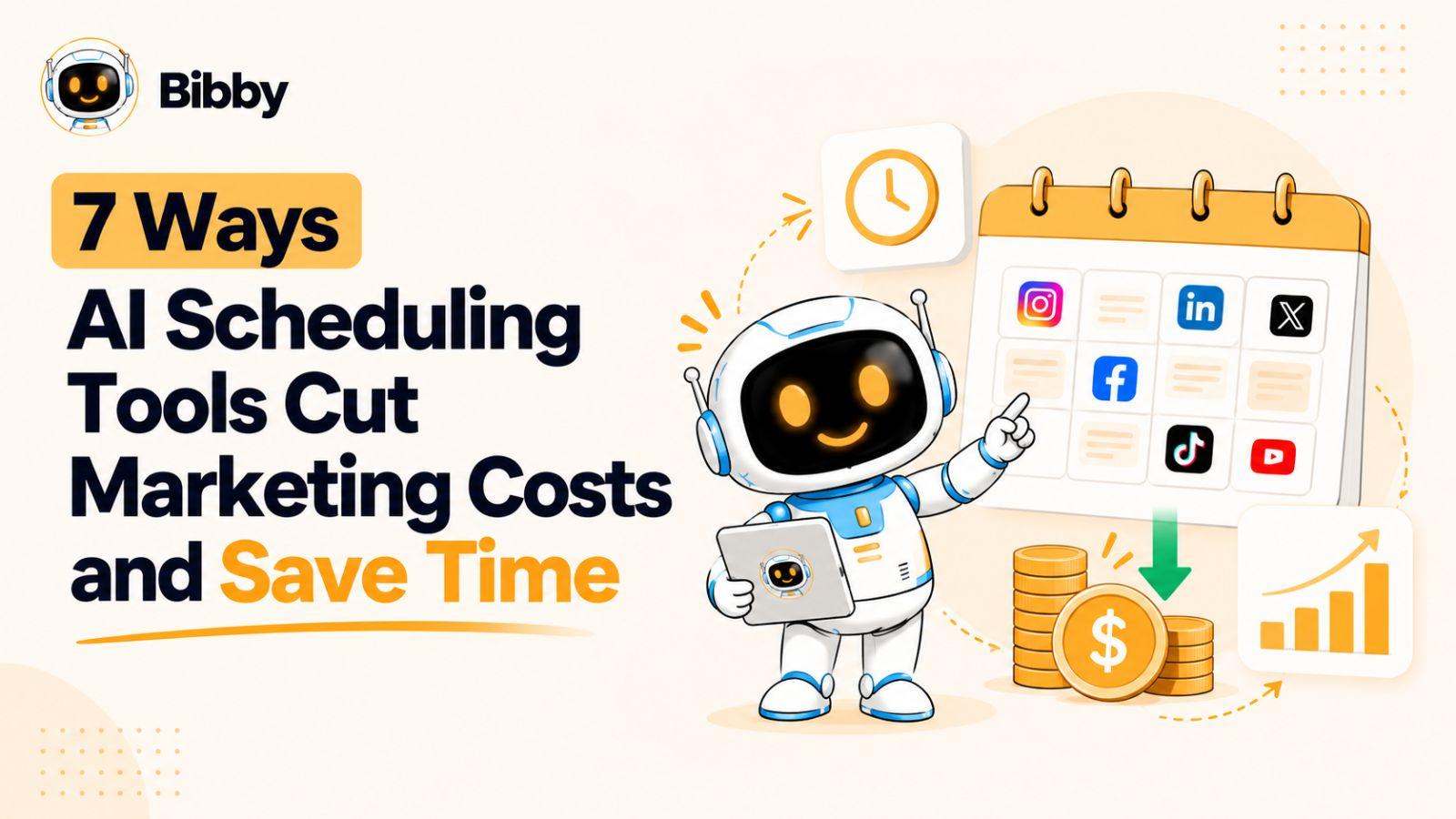
A dedicated social media management tool solves this by centralizing everything into a single dashboard — saving time, reducing errors, and enabling a level of consistency that's nearly impossible to maintain manually.
The business case is straightforward. According to industry research, small business owners who use social media management tools save an average of six to ten hours per week compared to those who manage platforms manually.
That time compounds quickly — over a year, that's hundreds of hours redirected toward higher-value work. Beyond time savings, consistent posting has a direct impact on algorithmic reach: platforms reward accounts that post regularly with greater organic visibility.
The right tool doesn't just help you post more — it helps you post smarter. Features like AI-powered content creation, audience analytics, and optimal scheduling windows mean that every post has a better chance of performing well.
Key Features to Look for in a Social Media Management Tool for Small Businesses
Not all social media management tools are created equal. When evaluating your options, the following features should be at the top of your checklist.
Multi-Platform Support
Your audience doesn't live on just one platform. A strong tool should support all the major networks — Facebook, Instagram, LinkedIn, TikTok, Pinterest, X (formerly Twitter), YouTube, Threads, and Google My Business — so you can manage your entire presence from one place.
Switching between platforms wastes time and creates inconsistency. Look for a tool with seamless channel sync that keeps your brand voice unified across every network.
AI-Powered Content Creation
Content creation is the most time-intensive part of social media management. AI-powered tools can generate post ideas, write captions, suggest hashtags, and even tailor content for different platforms automatically.
This is no longer a "nice to have" — for small businesses without a dedicated content team, AI content generation is a genuine competitive advantage. Platforms like Bibby have built their entire product around this capability, with an AI Auto Create feature that generates ready-to-publish posts tailored to your brand.
Auto-Scheduling and Smart Posting
Scheduling posts in advance is table stakes for any serious social media tool. But the best platforms go further — they analyze your audience's activity patterns and automatically post at the times when engagement is highest.
This removes the guesswork and ensures your content reaches the maximum number of people. Auto-schedule and post functionality is one of the most valuable features for time-strapped small business owners.
Analytics and Growth Insights
You can't improve what you don't measure. A good social media management tool should provide clear, actionable analytics: which posts performed best, what times drive the most engagement, how your follower count is trending, and which platforms are delivering the best ROI. These insights allow you to continuously refine your strategy and double down on what works.
Ease of Use and Onboarding
Small business owners wear many hats. A tool that requires a week of training to use effectively is a tool that won't get used. Prioritize platforms with clean, intuitive interfaces and strong customer support. The best tools are designed so you can get up and running in minutes, not days.
Pricing That Scales With You
Look for a tool that offers a free tier or trial so you can test it before committing, with paid plans that scale affordably as your needs grow. Avoid platforms that lock essential features behind expensive enterprise tiers — small businesses need access to powerful features at accessible price points.
Top Social Media Management Tools for Small Businesses: A Detailed Comparison
Here is an honest look at the leading platforms available today, with a focus on what matters most for small businesses.
Bibby — AI That Posts So You Don't Have To
Bibby is an AI-powered social media automation platform built specifically for creators and small businesses. Its tagline — "AI That Posts So You Don't Have To" — captures the product's core promise: genuine, end-to-end automation that removes the daily grind of social media management.
Bibby supports nine platforms: Facebook, Instagram, LinkedIn, TikTok, Pinterest, X, YouTube, Threads, and Google My Business. Its standout features include:
- AI Auto Create: Generates high-quality, on-brand posts automatically, eliminating the blank-page problem entirely.
- Auto-Schedule & Post: Intelligently schedules and publishes content at optimal times across all connected channels.
- Seamless Channel Sync: Keeps your brand presence unified across every platform without manual duplication.
- Growth Insights: Delivers clear analytics to help you understand what's working and where to focus your efforts.
Bibby's pricing is among the most accessible in the market: a free plan at $0, a Starter plan at $29/month, and a Growth plan at $59/month.
Over 270 small businesses have already used Bibby to automate more than 10,000 posts, earning the platform a 4.9-star rating. You can explore all options on the pricing page or start with Bibby's free tools.
Buffer
Buffer is one of the most established names in social media scheduling. It offers a clean, simple interface and supports the major platforms.
Buffer is a reliable choice for businesses that primarily need scheduling and basic analytics, but it lacks the AI-powered content creation that newer tools like Bibby provide. For a detailed side-by-side comparison, see Bibby vs. Buffer.
Hootsuite
Hootsuite is a comprehensive platform designed for teams and agencies managing multiple clients. It offers robust analytics, team collaboration features, and a wide range of integrations.
However, its complexity and pricing make it less ideal for solo entrepreneurs and small teams. For small businesses, the learning curve and cost can outweigh the benefits. See how it stacks up on the Bibby vs. Hootsuite comparison page.
Later
Later built its reputation on visual content planning, particularly for Instagram. Its drag-and-drop calendar is intuitive and well-suited for brands with a strong visual identity.
However, its multi-platform support is more limited than tools like Bibby, and it lacks AI content generation. Review the full breakdown on the Bibby vs. Later page.
Sprout Social
Sprout Social is a premium platform with enterprise-grade features including social listening, CRM integrations, and advanced reporting.
It's powerful, but its pricing starts significantly higher than most small business budgets allow. It's best suited for mid-market companies with dedicated social media teams.
Feature Comparison at a Glance
| Feature | Bibby | Buffer | Hootsuite | Later |
|---|---|---|---|---|
| AI Content Generation | Yes (core feature) | Limited | Limited | No |
| Auto-Scheduling | Yes, AI-optimized | Yes | Yes | Yes |
| Platforms Supported | 9 (incl. GMB, Threads) | 6 | 8+ | 6 |
| Growth Analytics | Yes | Basic | Advanced | Basic |
| Free Plan Available | Yes | Yes | No | Yes |
| Starting Price (paid) | $29/mo | $6/mo | $99/mo | $18/mo |
| Best For | Small biz, creators | Simple scheduling | Agencies, teams | Visual/Instagram brands |
How to Choose the Right Social Media Management Tool for Your Small Business
With so many options available, the decision ultimately comes down to your specific needs, budget, and goals. Here is a practical framework for making the right choice.
Step 1: Audit Your Current Social Media Presence
Before evaluating tools, take stock of where you are. Which platforms are you currently active on? Which ones are driving the most engagement or traffic? This audit will help you prioritize the features and platform support you actually need.
Step 2: Define Your Primary Pain Points
Are you struggling with content creation, consistency, analytics, or all three? If content creation is your biggest bottleneck, prioritize tools with strong AI writing capabilities. If you just need reliable scheduling, a simpler tool may suffice.
Step 3: Test Before You Commit
Most reputable platforms offer a free plan or trial period. Take advantage of this. Spend a week using the tool as you would in real life — creating content, scheduling posts, and reviewing analytics. The right tool should feel like it's making your life easier, not adding complexity.
Step 4: Consider Your Growth Trajectory
Choose a tool that can scale with you. If you're planning to expand to new platforms or increase your posting frequency, make sure your chosen tool can accommodate that growth without requiring a platform switch down the line.
Getting Started: A Practical Action Plan
Once you've selected a tool, here's how to hit the ground running:
- Connect all your social accounts to the platform in one session.
- Set your posting frequency for each channel based on best practices and your capacity.
- Create a content bank of 2–4 weeks of posts to get ahead of your schedule.
- Enable AI content generation to fill gaps and maintain consistency automatically.
- Review analytics weekly to identify top-performing content and refine your strategy.
If you're ready to experience what AI-powered automation can do for your social media presence, Bibby's free tools are a great place to start — no credit card required.
Conclusion
The right social media management tool for small businesses can be genuinely transformative. It frees up hours every week, ensures consistent brand presence across platforms, and gives you the data you need to grow strategically.
Whether you're just getting started or looking to upgrade from a basic scheduler, there has never been a better time to invest in a platform that works as hard as you do.
For small businesses and creators who want the full power of AI automation — from content creation to cross-platform posting to growth analytics — Bibby is worth exploring. With a free plan and paid options starting at just $29/month, it's one of the most accessible and capable platforms available today.
Explore Bibby's full feature set, review pricing plans, or dive into the supported channels to see how it can fit into your workflow.